 Mittery
Expressive control
XY Pad & LFO Modulation
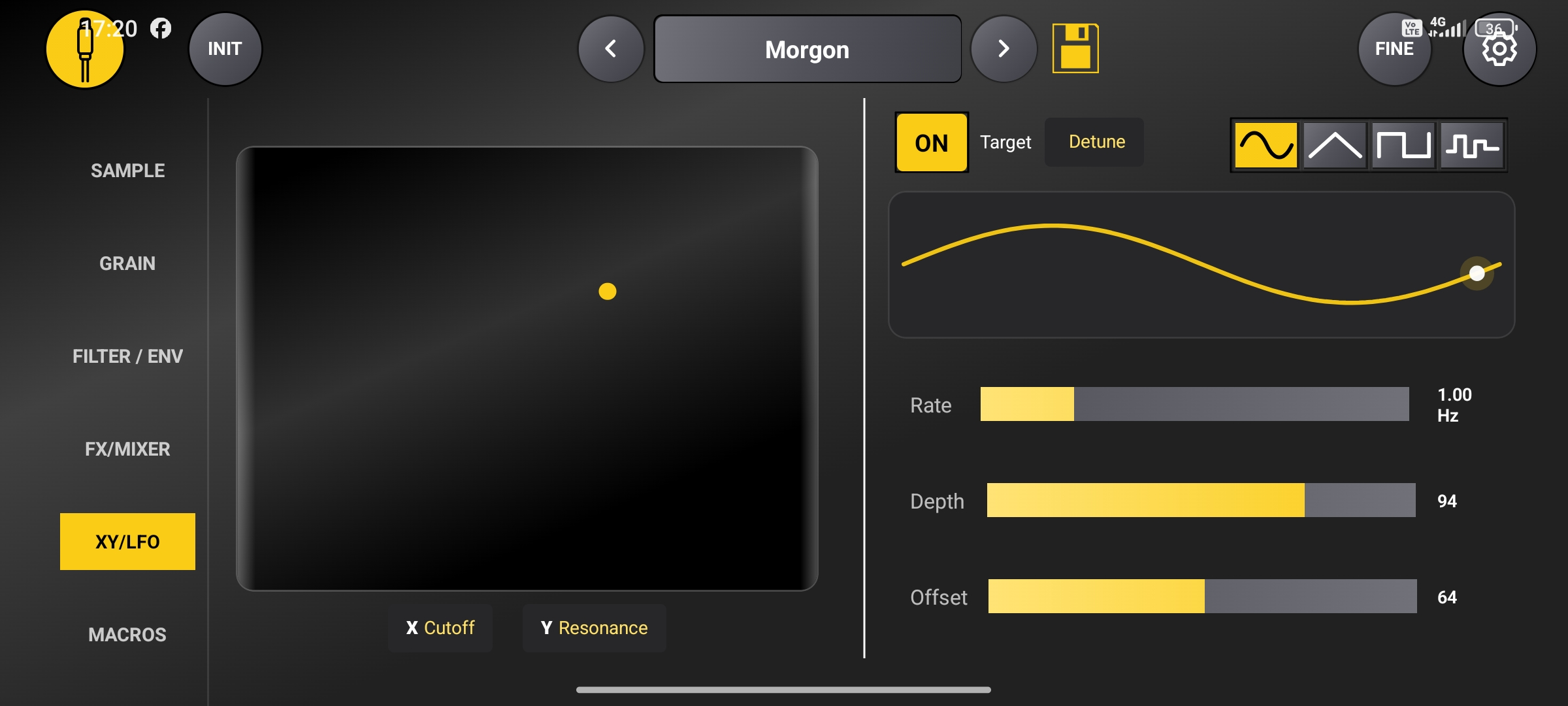
Shape two parameters simultaneously with the XY Pad, and bring your sounds to life with flexible LFO modulation. Create expressive movements and evolving textures in real time.
GrainPilot
Unlock the full potential of your Roland P-6 with a fast, tactile, and distraction-free control experience. GrainPilot tansforms your Android device into a dedicated hardware-like controller — designed for musicians who want speed, clarity, and total control.
Features
From expressive modulation to hands-on sound design, explore more of what your Roland P-6 can do.
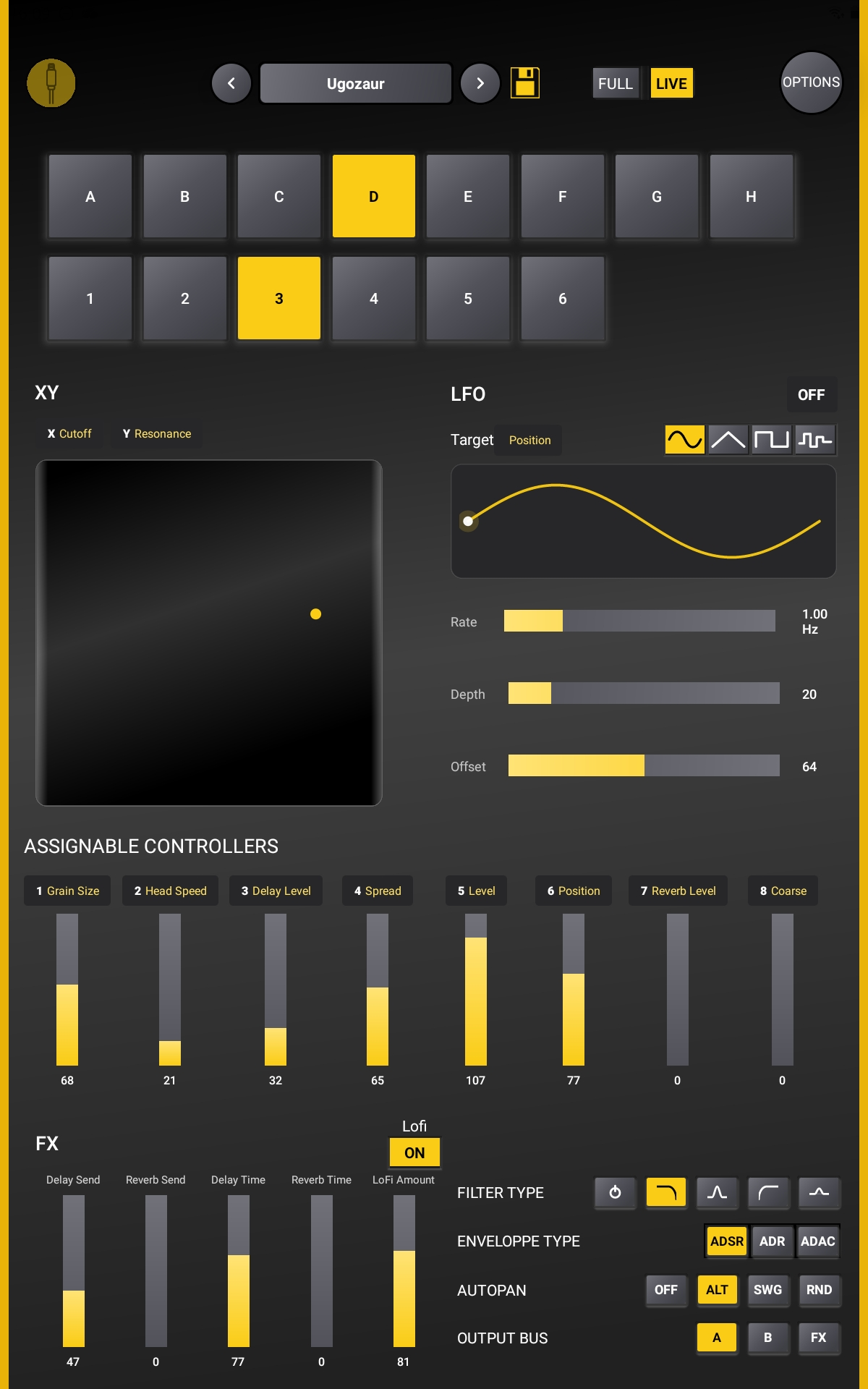
Shape two parameters simultaneously with the XY Pad, and bring your sounds to life with flexible LFO modulation. Create expressive movements and evolving textures in real time.
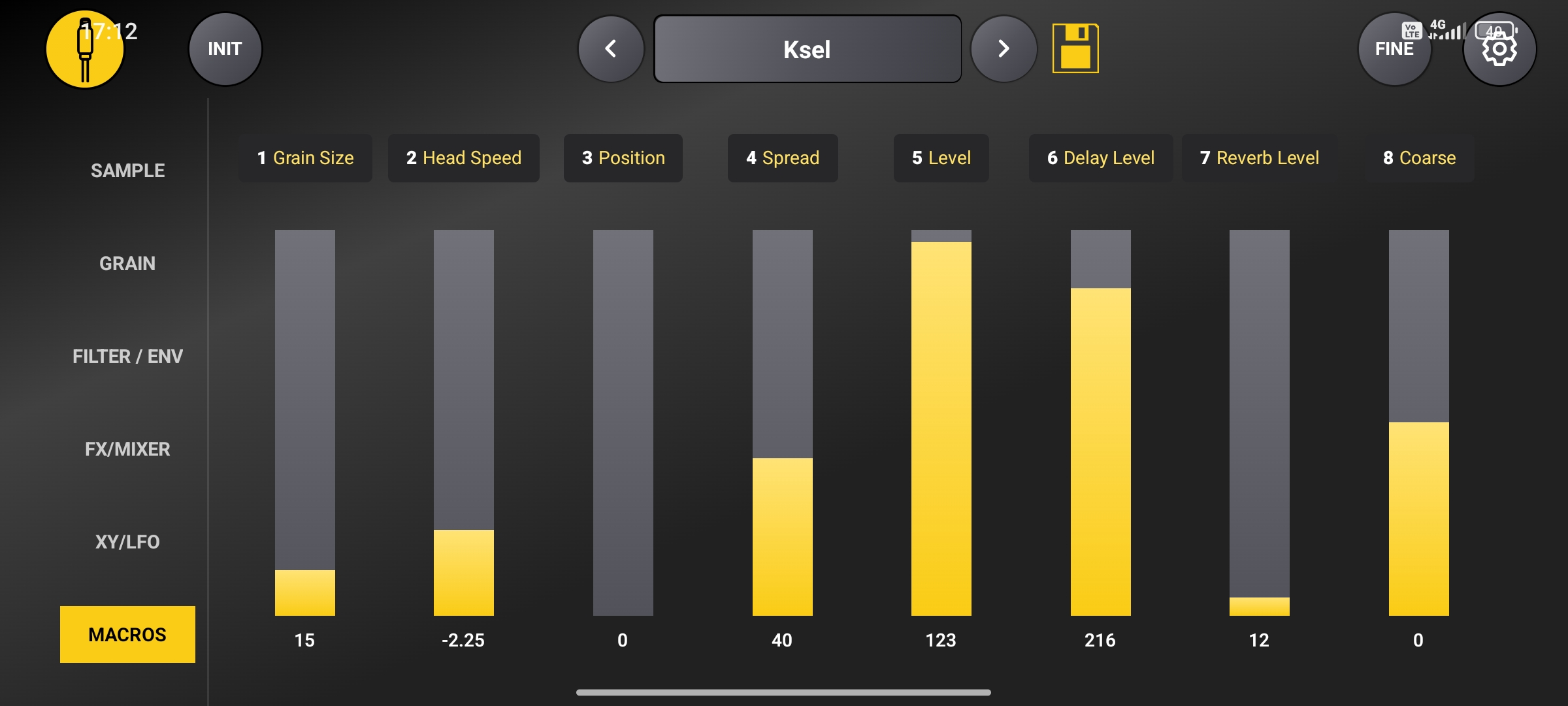
Put your favorite parameters within easy reach and control them from one screen.
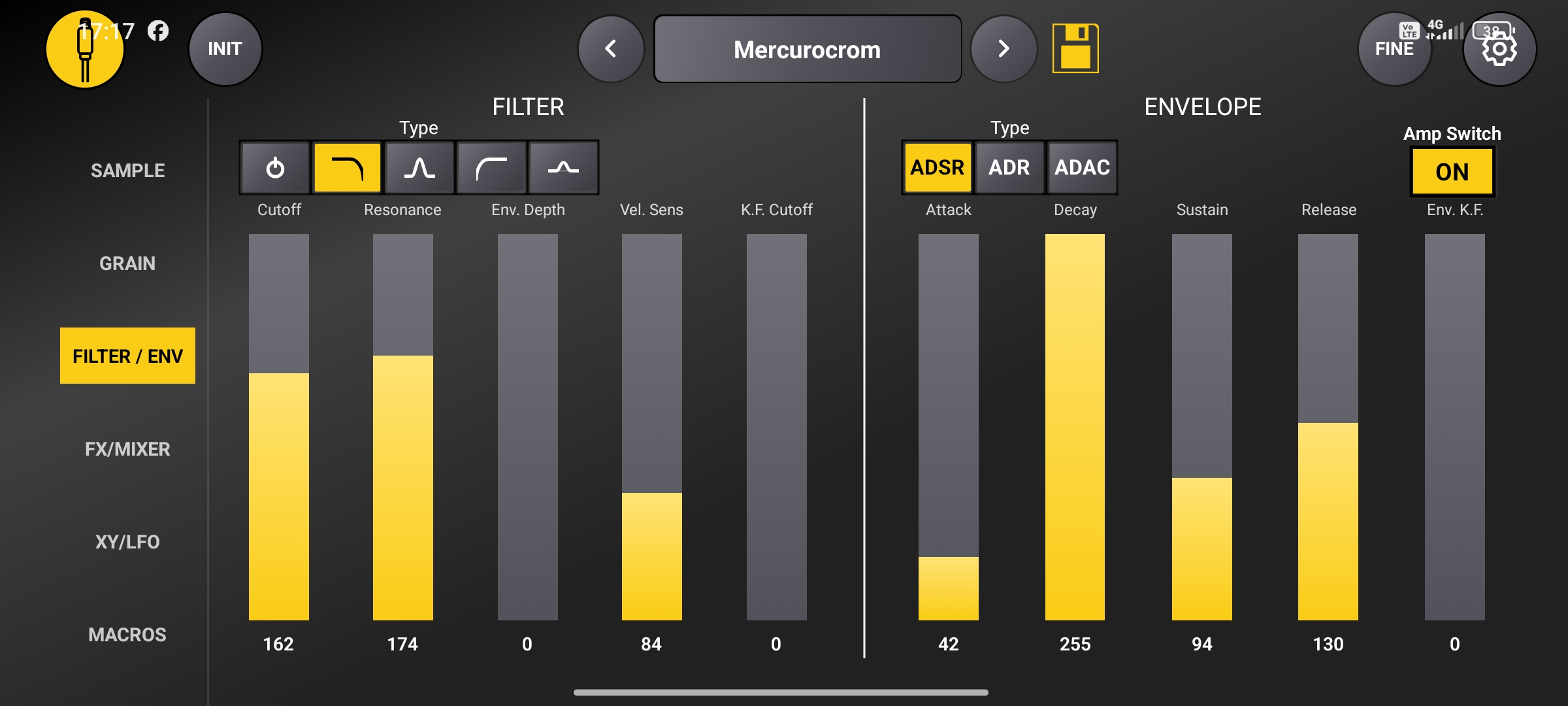
Sculpt your sound with filter and envelope parameters, then shape the effects.
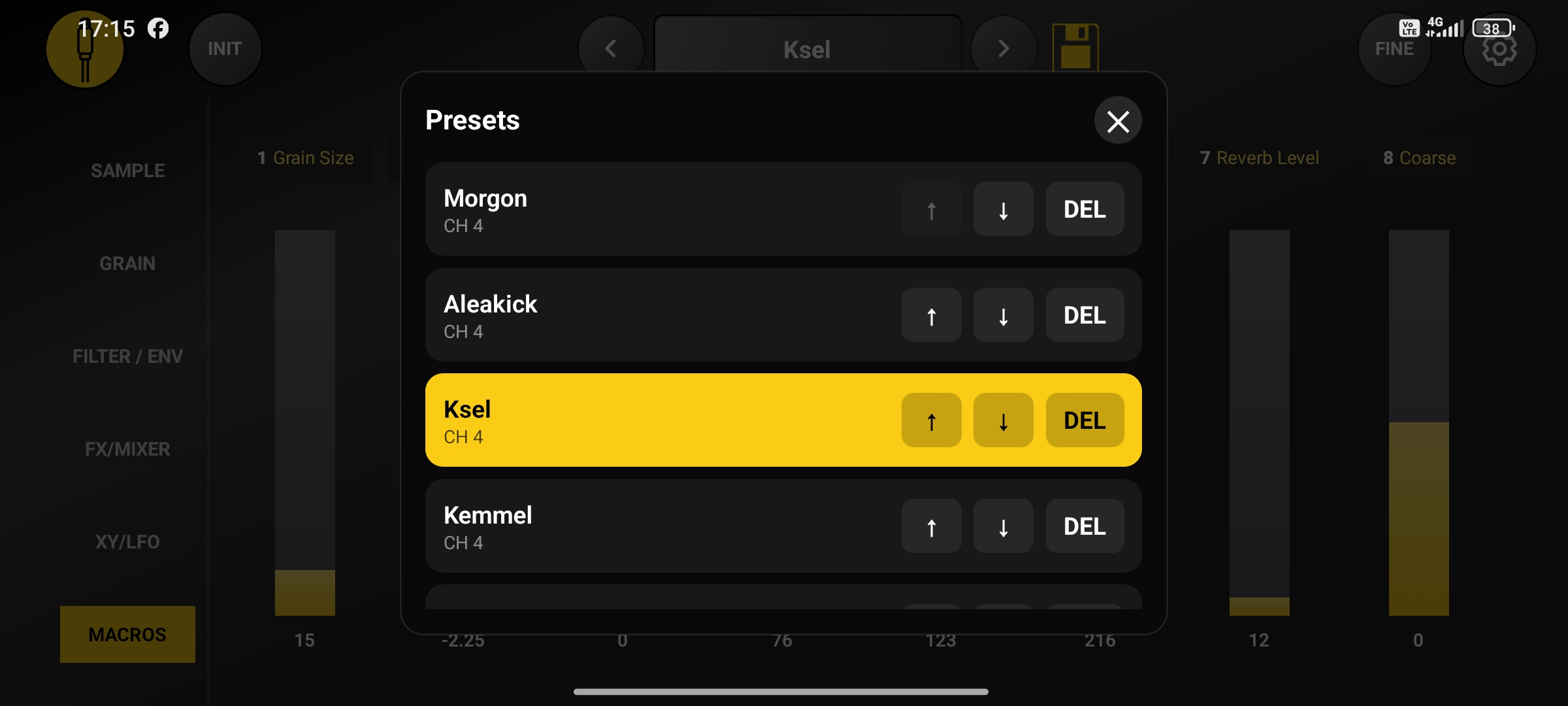
Save, recall and organize your settings to jump back into your ideas quickly.
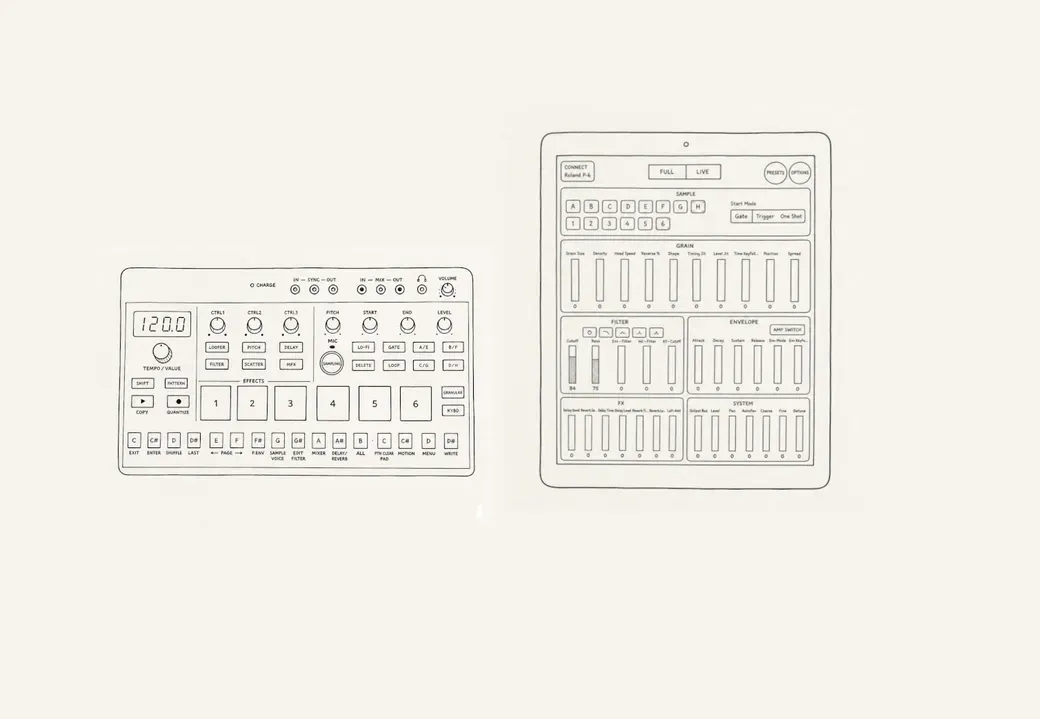
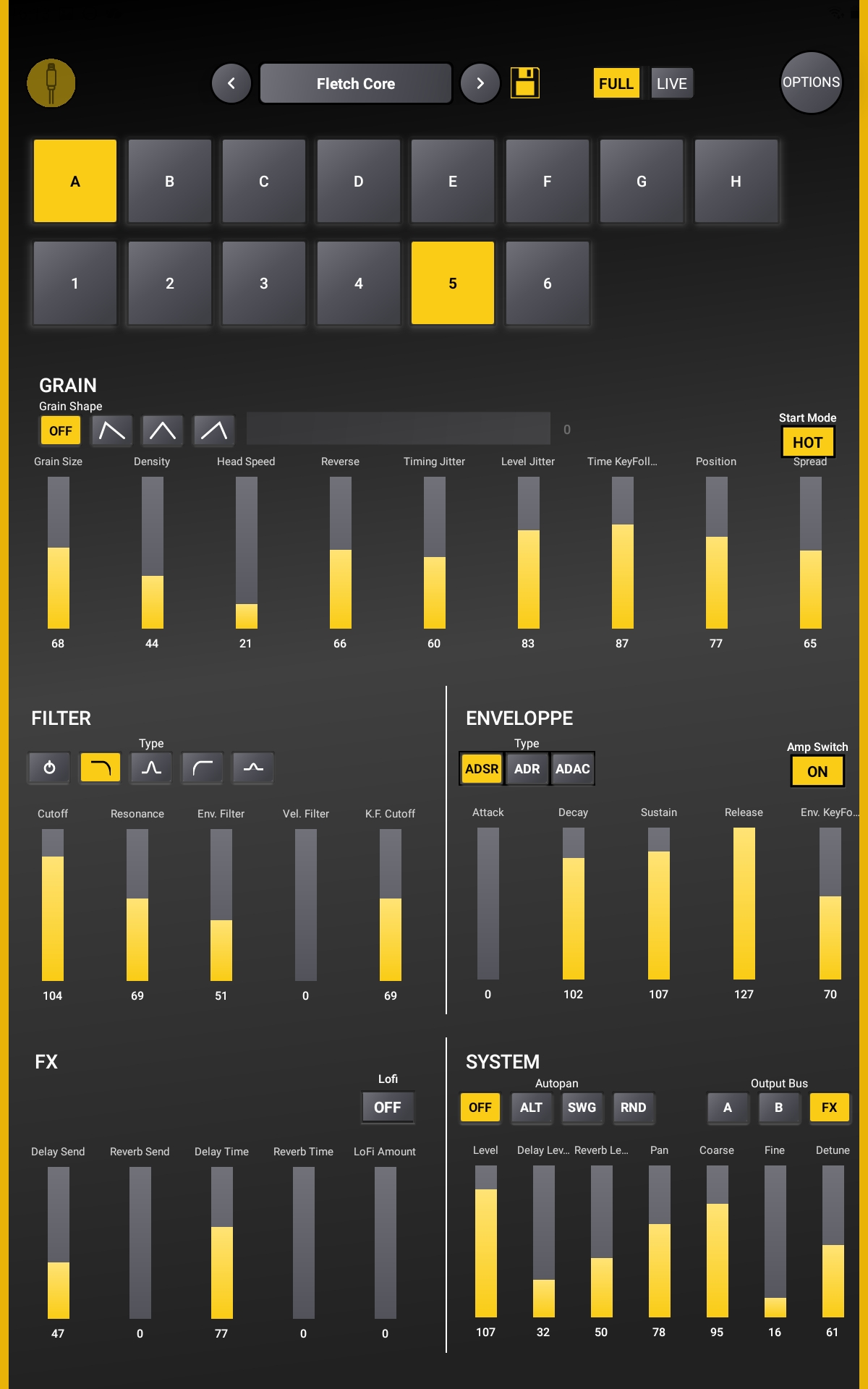
Make the most of your tablet's larger display with two dedicated interfaces. Switch between Full Mode for detailed sound design and Live Mode for hands-on performance.
Access all your sound design controls at once, from granular synthesis to filters, envelopes and effects.
Keep your XY Pad, LFO and assignable macros within easy reach for expressive, real-time control.
This application is an independent project and is not affiliated with or endorsed by Roland Corporation. Roland and P-6 are trademarks of Roland Corporation.
Everything you need to know about GrainPilot.
GrainPilot is an Android MIDI controller designed specifically for the Roland P-6. It provides hands-on control over granular synthesis, modulation, filters, effects and more.
You'll need a Roland P-6, a compatible Android phone or tablet, and a USB connection between the two devices.
Connect your Roland P-6 to your Android device using a suitable USB cable or adapter. Open GrainPilot and allow USB access when prompted.
Yes! GrainPilot offers two dedicated tablet layouts: FULL Mode, which displays all sound design controls on a single screen, and LIVE Mode, which focuses on expressive performance controls.
Absolutely. The XY Pad, LFO modulation and eight assignable macros let you manipulate multiple parameters in real time.
Check your USB cable and connection, make sure your Android device supports USB host mode, and grant GrainPilot permission to access the connected MIDI device. Also, make sure that the MIDI channel configured on your Roland P-6 matches the MIDI channel selected in GrainPilot.
GrainPilot is designed specifically to control the Roland P-6. It does not generate audio on its own.